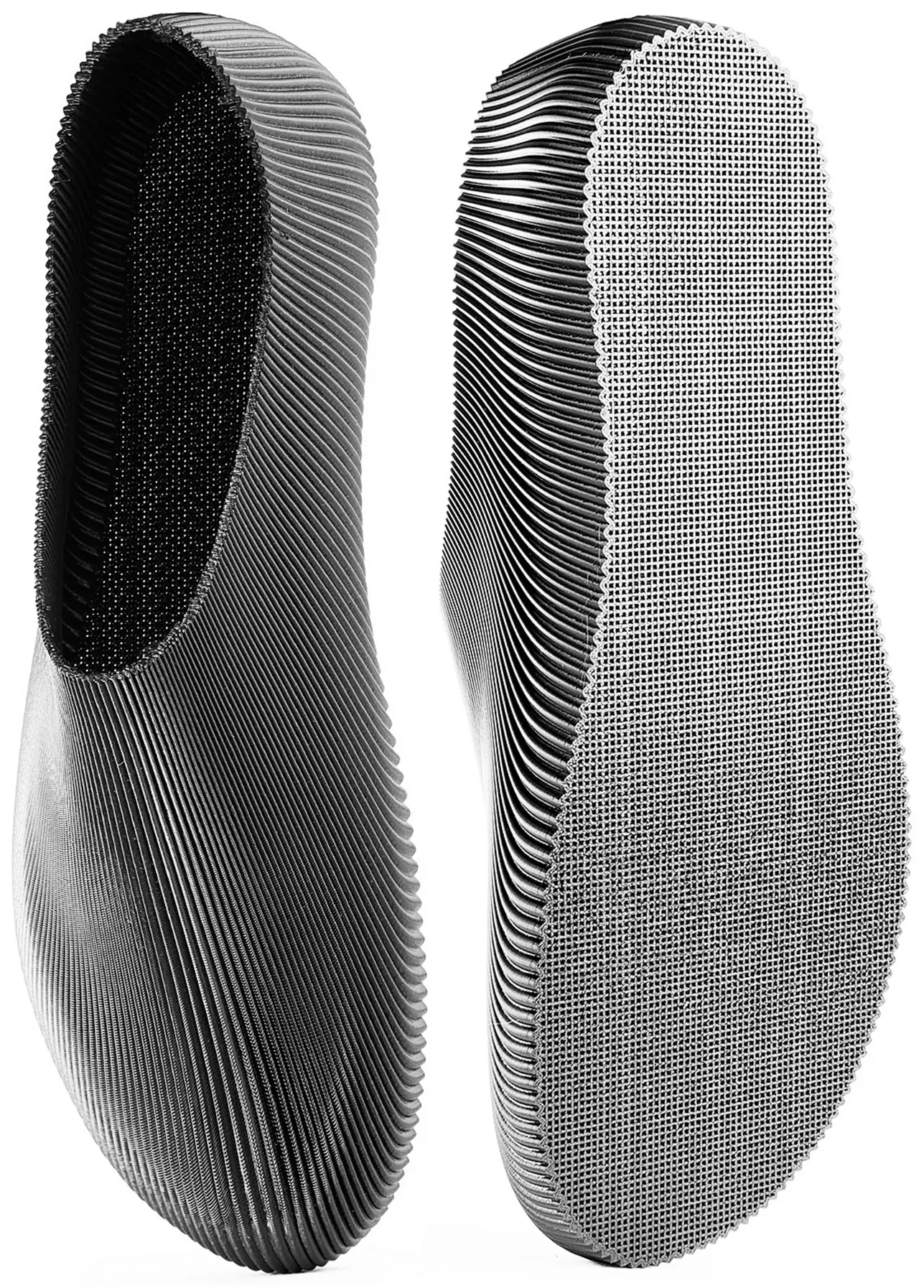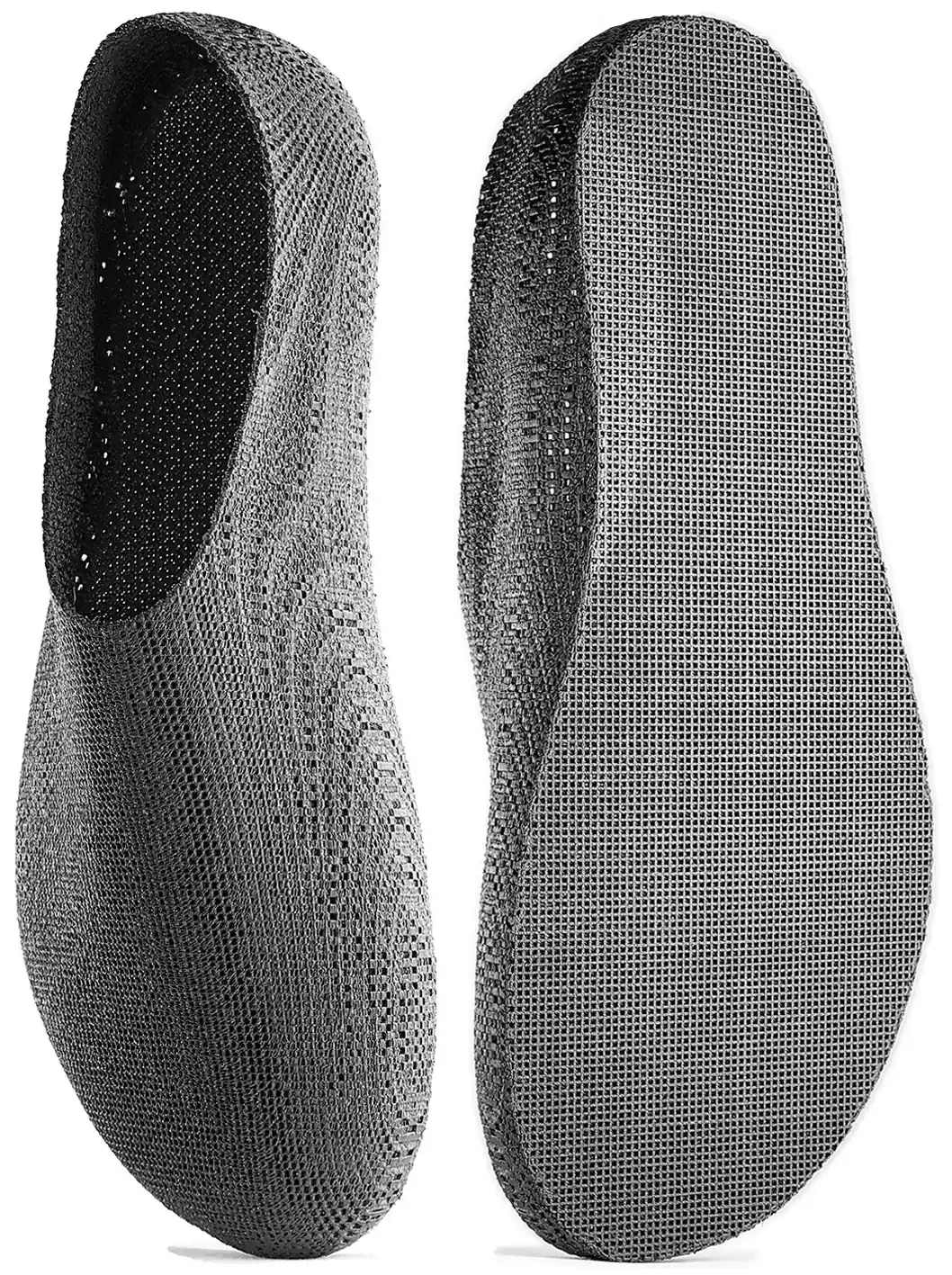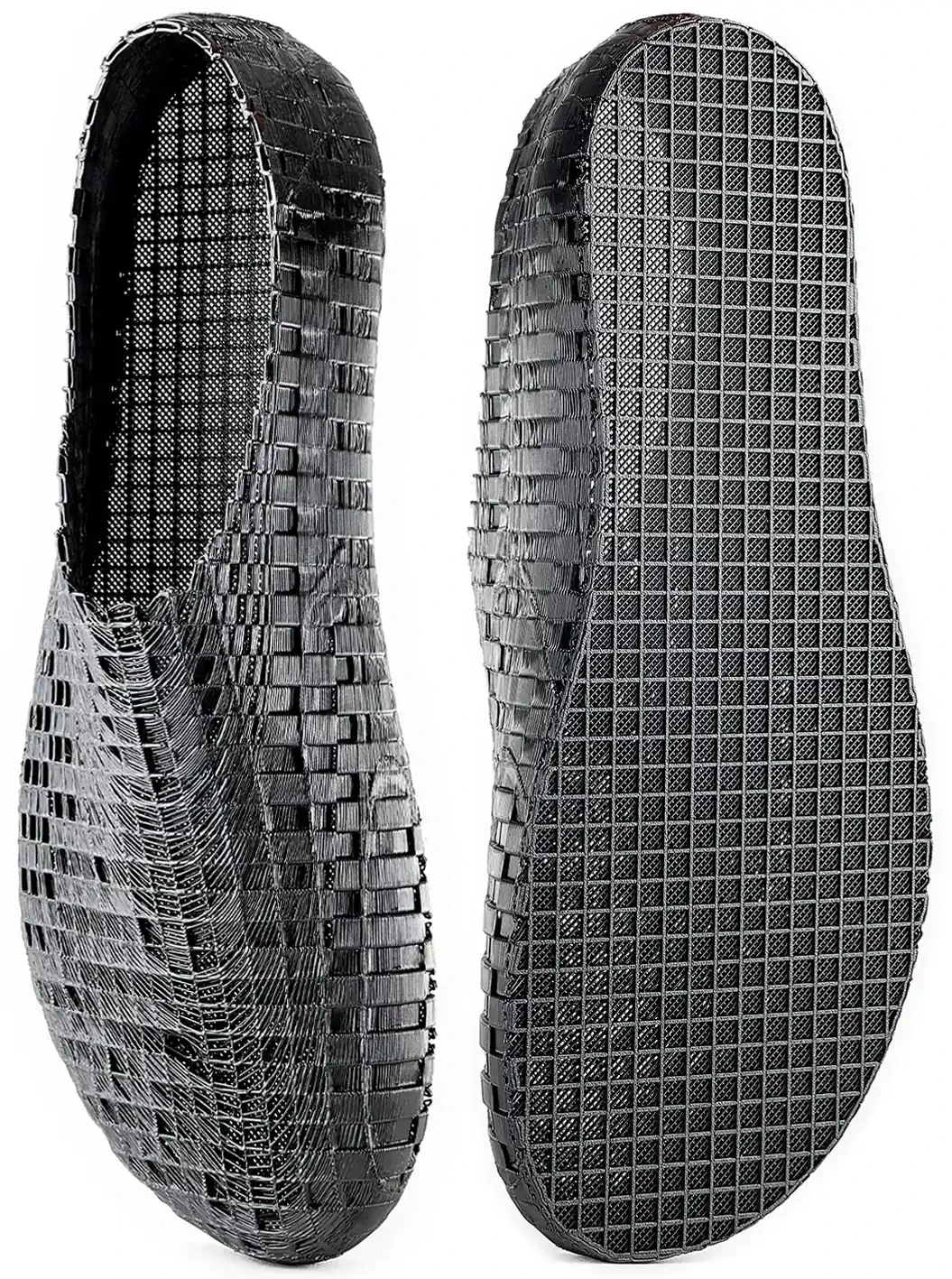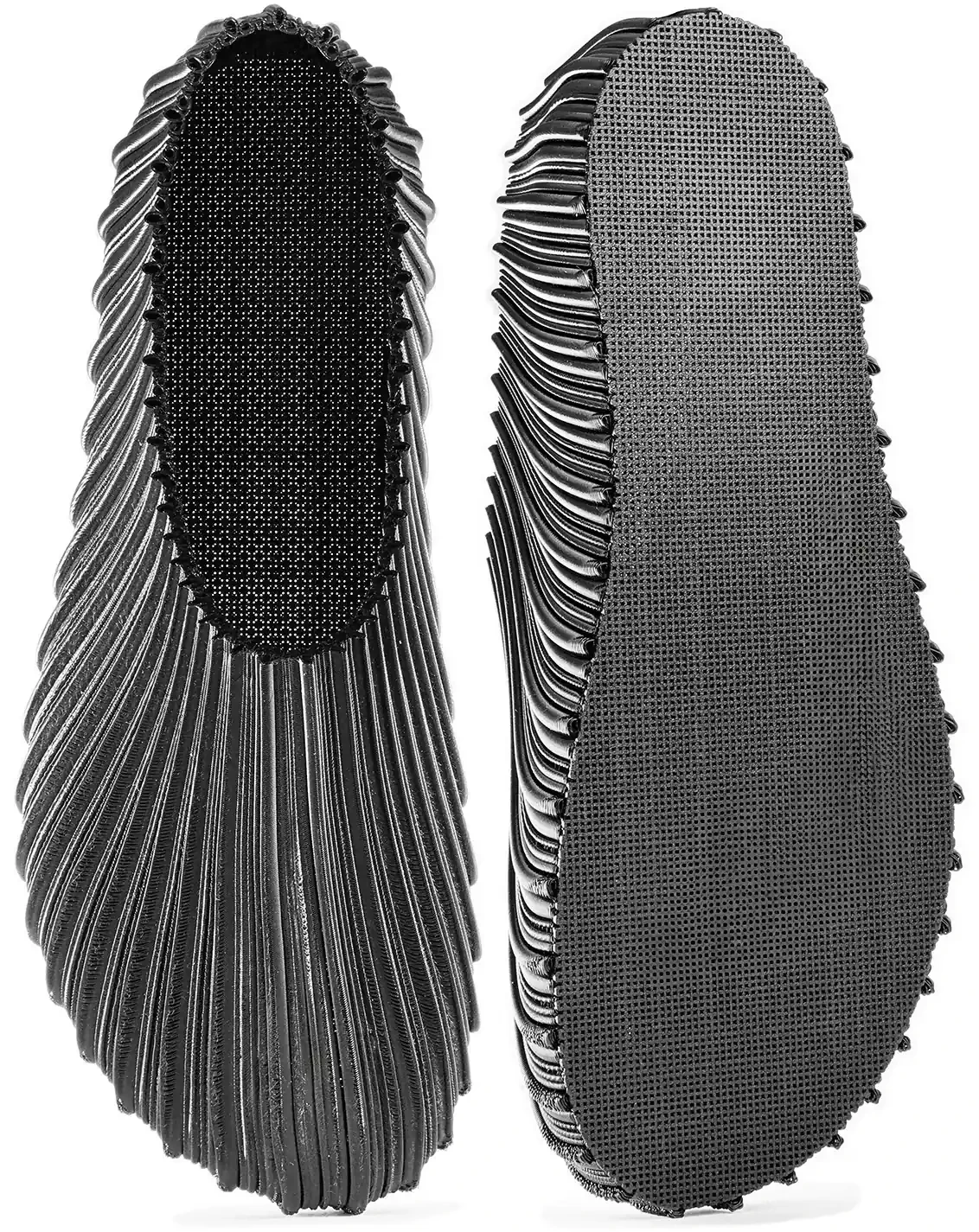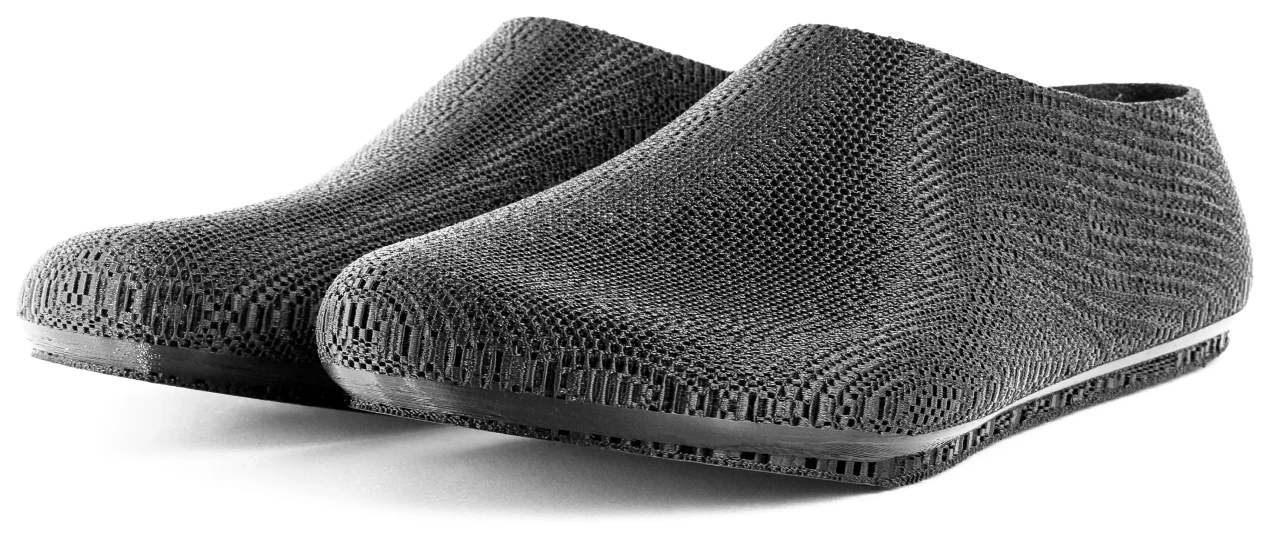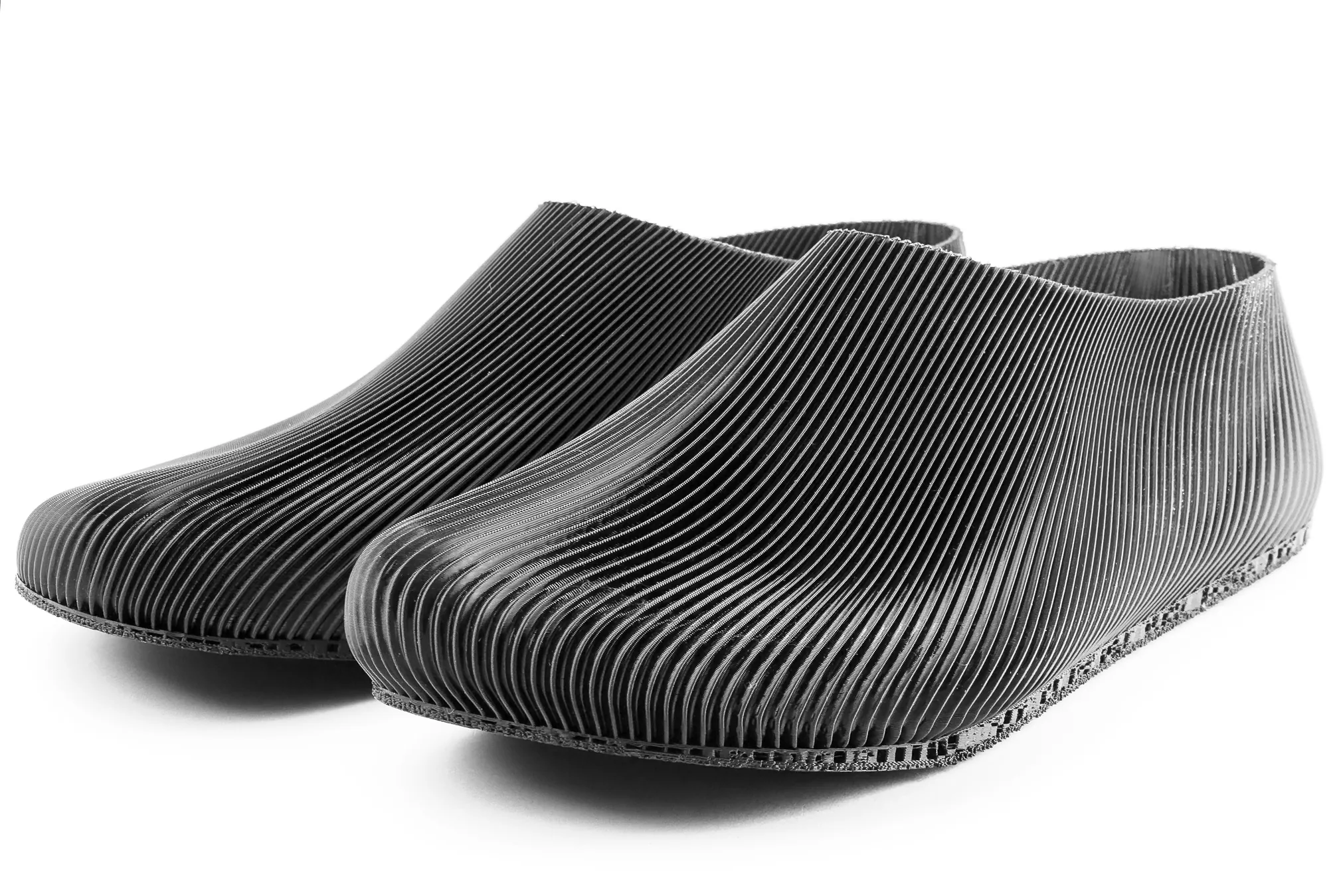
River can work in two different ways: free standard files, or a paid custom shape. The difference is the fitting work behind the shoe.
The custom shape starts from two phone photos: one top view of both feet, and one side-profile photo of one foot. The top view gives the footprint, width and toe spread. The side view gives the height and curve that are hard to understand from above.
Those photos are used to adapt the 3D shoe geometry around a real foot instead of only choosing a generic size. The point is not to make the file mysterious; it is to make the shape less blind.
The process is manual today. River looks at the photos, adjusts the model and prepares either a custom 3D model or a physical pair, depending on what the buyer chose.
Standard files stay free because they do not require that fitting work. They are the right path when a normal size is enough, or when someone wants to print and experiment without a custom model.
On mobile, the custom path can open directly. On desktop, the page hands off to the phone with a QR code, because the phone is where the photos need to be taken.
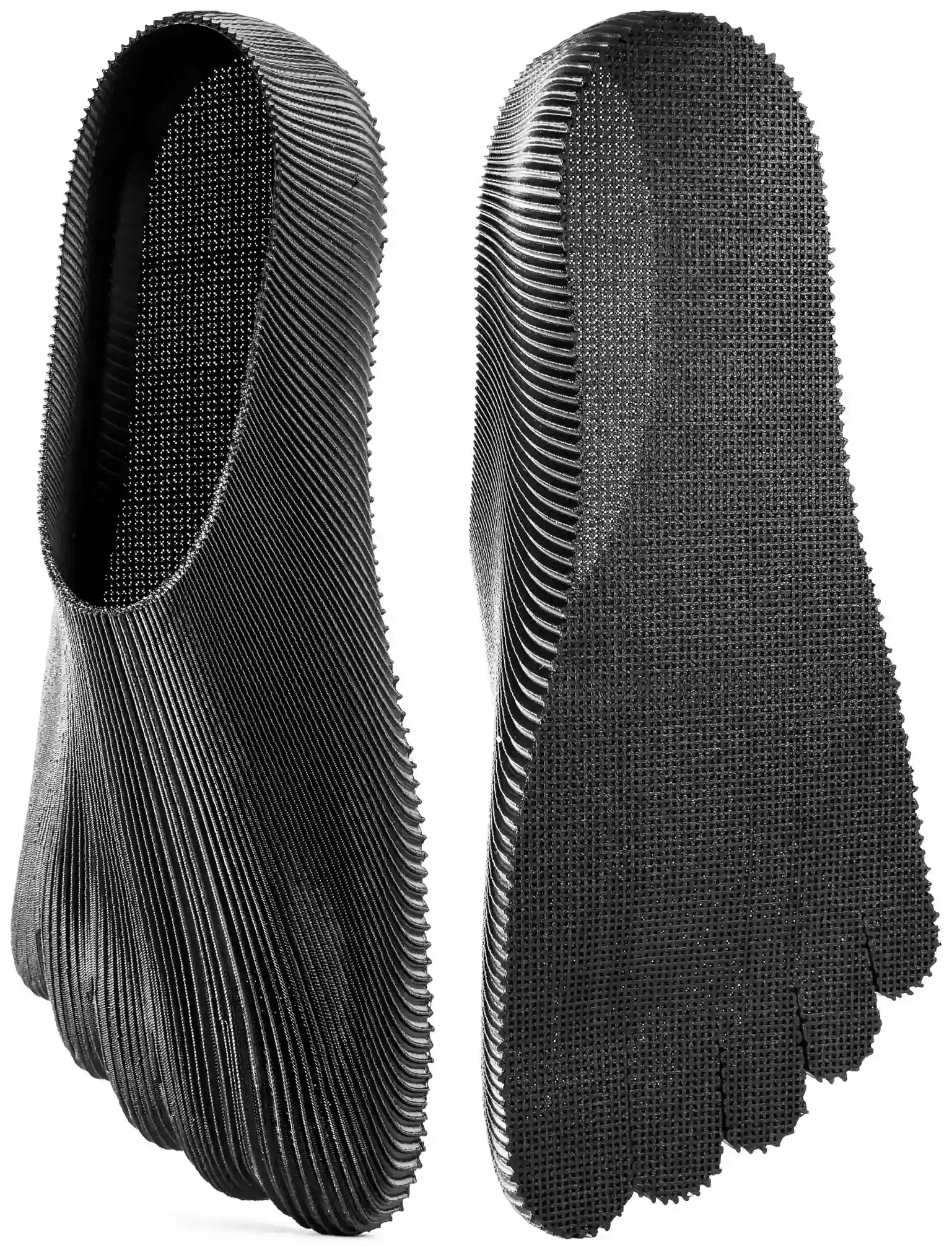
Toe
A barefoot River shoe with separated toes for more movement, using the same controlled wave-pattern idea as Onda: interleaved semicircular curves shaped around the foot.
View design